A separate suburb, not part of the CBD
People often lump Highgate in with the city. It is not — it is its own suburb, sitting north of Perth along the Beaufort Street end, with Hyde Park at its edge.
The difference shows in the housing. Where Perth itself is roughly four in five apartments, Highgate is a mix: older character homes and workers' cottages alongside flats and newer infill. There are households here with a spare room and a desk in it, which is a different proposition to a one-bedroom flat in the middle of town.
That means Highgate is one of the few suburbs on our patch where a full desktop is often the right answer rather than a compromise.
What we get asked for here
The household machine
One computer that everyone uses for homework, banking, photos and streaming. It wants a decent screen, enough memory to have a lot open at once, and no drama. Speed matters far less than people think.
The home office
Somebody working from the spare room, wanting a proper setup rather than a laptop on the kitchen table. Usually a desktop and a good monitor, and usually the machine that gets used hardest.
The second machine for the kids
School work, and the parent's very reasonable wish not to spend new-machine money on something that will get dropped. Refurbished is close to made for this.
The replacement for something slow
Which, more often than not, should not be a replacement at all.
Before you replace a slow machine
This is worth saying plainly, because Highgate households ring us about it more than most.
If a computer is only a few years old and the complaint is that it has got slow, that is usually storage or memory rather than the machine being finished. An SSD makes an older computer feel like a different machine, and more memory stops it stuttering when a lot is open.
Both together cost a fraction of replacing it, and everything on the machine stays where it is. We will tell you when that is the better answer, even though it is the smaller job. SSD and memory upgrades
What refurbished means on our bench
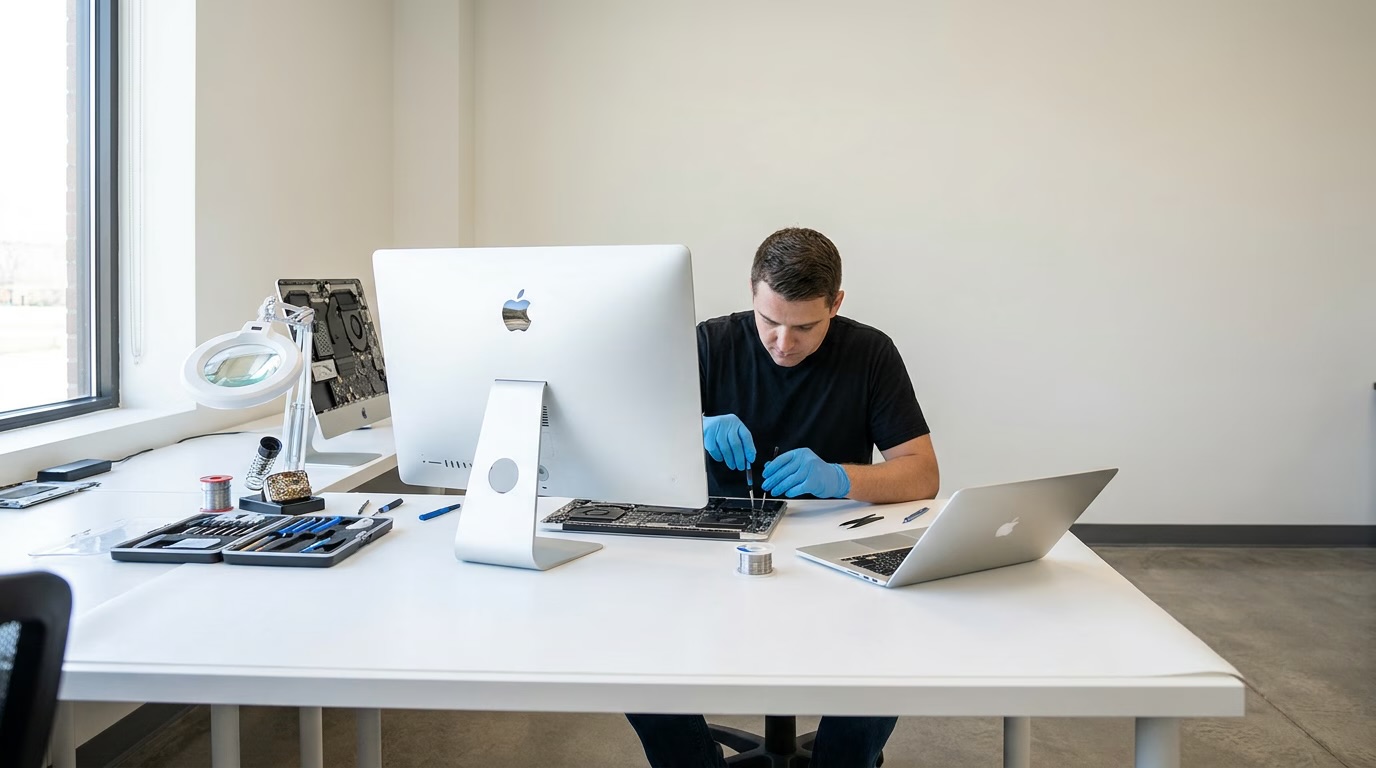
The machine is opened, cleaned out and checked over. Worn or failing parts are replaced. The drive is wiped properly and the operating system goes on fresh.
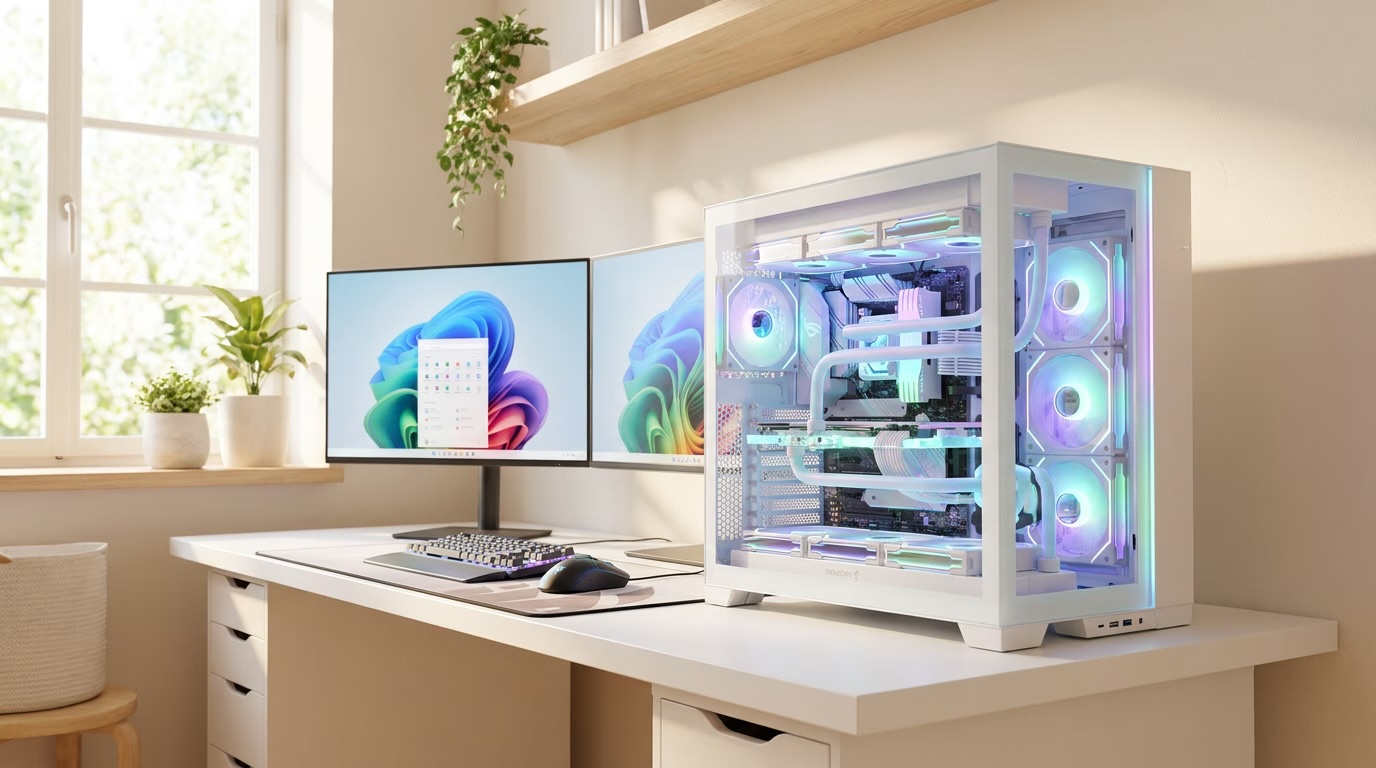
Slow or small storage becomes an SSD. Tight memory gets increased. Then the whole machine is tested and goes out with 90 days warranty on it — the same 90 days that covers hardware repairs and any parts we fit.
That is the difference between a refurbished machine and a second-hand one. Somebody has already been inside it, and somebody is on the hook if it goes wrong. What the warranty covers
Where the stock comes from
Mostly from offices. The towers a short walk south along St Georges Terrace turn over their computer fleets every few years, and business machines are built to last and to be serviced.
It is good hardware with an easy life behind it, which is exactly what you want in a household computer that has to survive several years of homework.
Price, stock and timing
We do not publish prices, because what is on the bench changes every week. Ring us, tell us what the machine is for, and we will tell you what is in and what it costs.
Firm quote within 24 hours. Nothing starts until you agree it. Most jobs finished in two to three days.
Trading in the old one
If a machine is being replaced, bring it in. It can come off the price of the new one, and it does not need to be working — a laptop with a cracked screen or a failed drive is still worth something.
Tell us first if there is anything on it you still want. Family photos in particular. The drive gets wiped properly and that is not reversible. Device trade-in
Getting it to you
The workshop is in Bayswater, a few minutes away. There is no showroom in Highgate.
Because plenty of Highgate homes do have room for a desktop, we get asked about towers here more than in the flats closer to the river. Ring us and we will sort out the practical side of getting one to you.
Monday to Friday, 10am to 4pm.