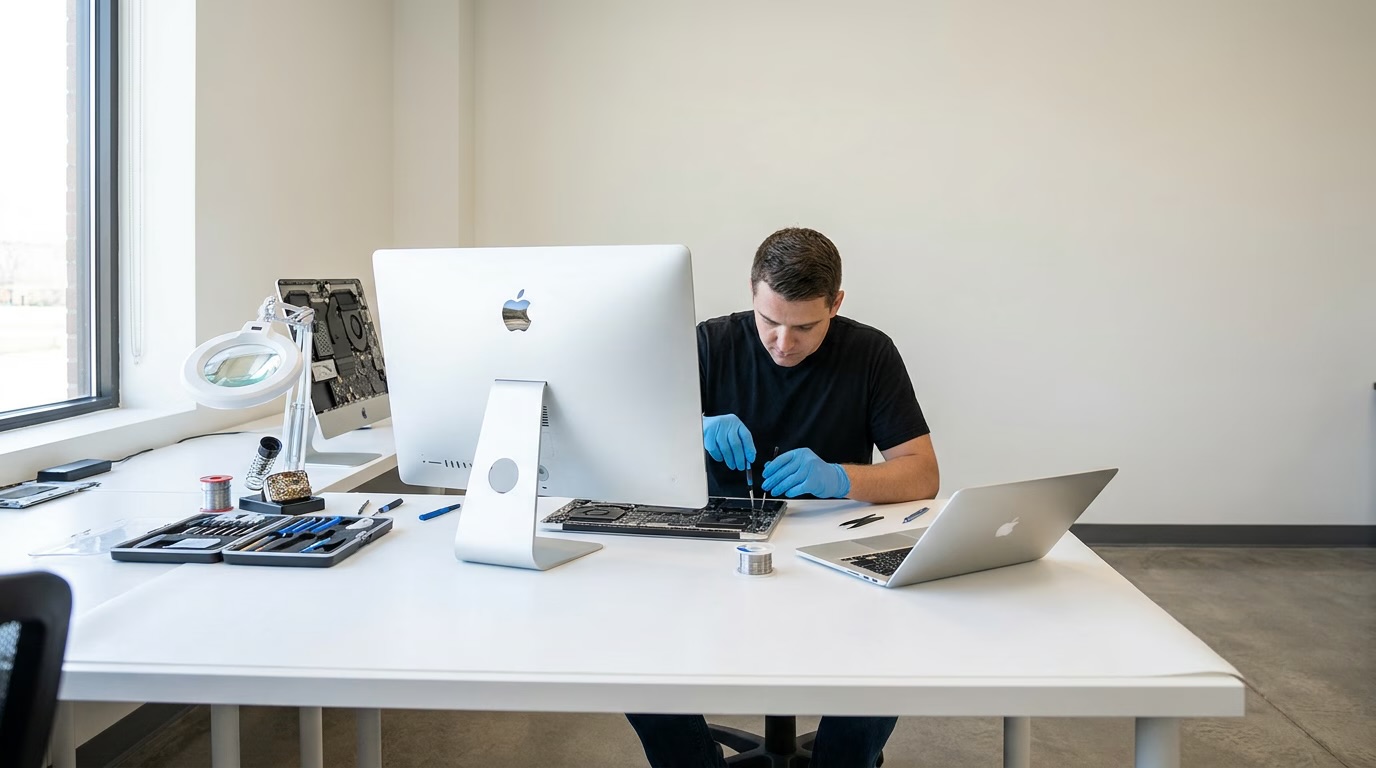
The two upgrades that actually matter
An SSD
If a machine still has a spinning hard drive, this is the single biggest change you can make to it. Not a small improvement — a different machine. Starting up, opening programs, switching between things: all of it stops being a wait.
More memory
Memory is what the machine uses to hold everything you currently have open. When it runs out, it starts shuffling things to storage and back, and the machine begins to stutter and hang.
The signs are specific: it slows down as the day goes on, it gets worse the more tabs and programs are open, and closing things down fixes it for a while. That is memory, not age.
Modern browsers and video calls are hungry, which is why machines that were fine three years ago are not fine now. The machine has not got worse. What we ask of it has got heavier.
How to tell which one you need — without checking anything
You do not need to. Tell us what the machine does and when, and we will work it out.
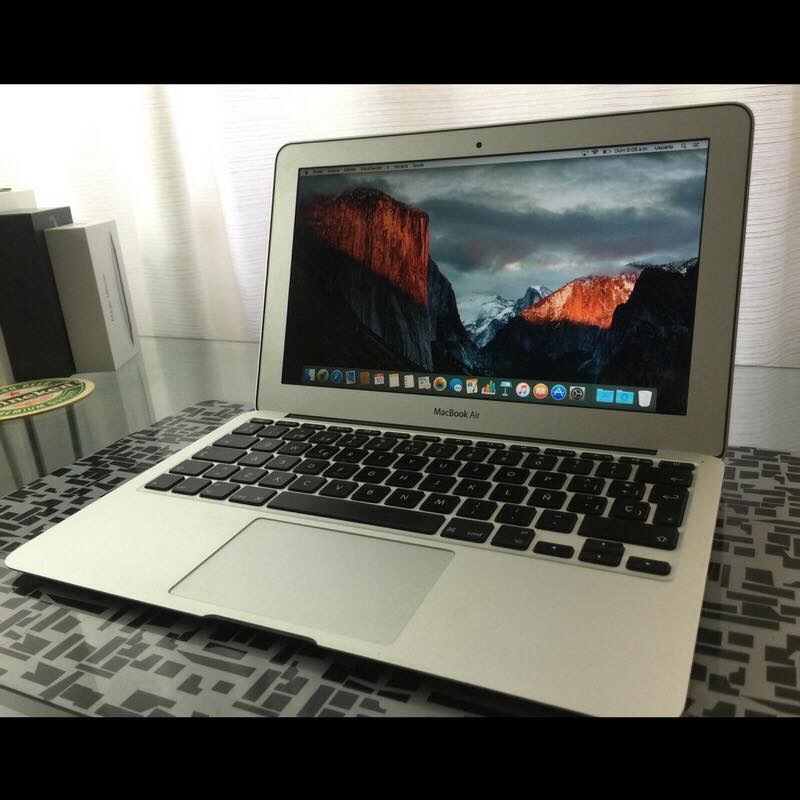
Slow to start up and slow to open things, all the time, evenly? That is storage.
Fine first thing, worse as the day goes on, better after a restart? That is memory.
Both, and it is an older machine? Usually both, and doing both together is cheaper than doing them a fortnight apart.
Ring us and describe what it does. That is all we need to point at the right part.
Why this matters particularly in Perth
This is a suburb of apartments and students. Around four in five homes in Perth are flats or apartments, and with Edith Cowan University's city campus bringing roughly 8,500 students and staff into the CBD, there are a lot of people here working off one laptop in a small space.
When that is your only machine, replacing it is a real expense and a real disruption. An upgrade is neither. The machine goes in, comes back in two to three days, and everything on it is where you left it.
It is also the greener answer by a distance, and in a suburb that already runs on hardware handed down from the office towers, that is not a small point.
When an upgrade is not the answer
We will tell you when to stop spending on a machine.
If the laptop is old enough that the parts it takes are obsolete, the upgrade costs more than the machine is worth. If the screen hinge is going, the keyboard is failing and the battery is dead as well, you are patching a machine that is coming apart. And if what you actually need is more power than the machine was ever capable of — heavy video work on a basic office laptop — no amount of memory fixes that.
In those cases we will say so, and point you at a refurbished machine instead, with the old one traded in against it. Refurbished laptops · Trade in the old one
What happens to your files
They stay.
When we fit an SSD, everything moves across — your files, your programs, your settings. You get the machine back the way you handed it over, only quicker. If you would rather have a clean install instead, we can do that, but tell us before rather than after.
Memory is simpler again. Nothing on the machine is touched.
If a drive is failing rather than just slow, that is a different job and we will tell you plainly which one you have got. The parent workshop does data recovery, and on that work you only pay when you get results.
Upgrades on a machine you are buying
If you are buying a refurbished machine from us, upgrades are quoted at the same time rather than bolted on afterwards. You see one price for a machine set up the way you want it.
That is generally the cheapest moment to do it — the machine is already open on the bench. Refurbished computers
Quotes, timing and warranty
- Firm quote before anything starts, and you will have it within 24 hours.
- Most jobs done in two to three days.
- 90-day warranty on hardware repairs and on the parts we fit.
- Monday to Friday, 10am to 4pm, Bayswater workshop.
There is a $60 diagnostic fee if we need to work out what is wrong with a machine before quoting, and it is credited to the repair if you go ahead. On a straightforward upgrade where you already know what you want, there is nothing to diagnose.
Talk to us about an upgrade
Tell us what the machine does that annoys you. We will tell you which part is causing it and what it costs to fix.